Internet Cafe 98 Network & ISP Guide
Escape 28.8k pain, raise capacity before you spam desks, and keep chat from melting down.
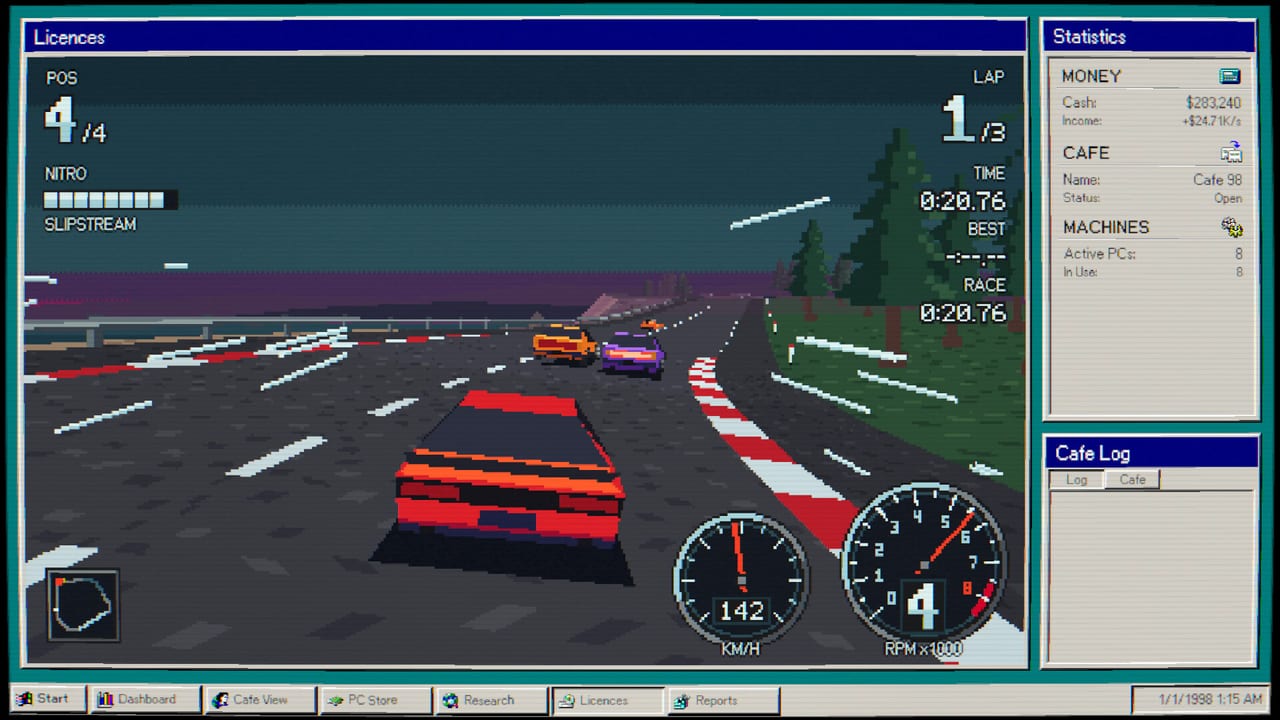
Every Internet Cafe 98 fantasy begins on a thin pipe. You inherit a 28.8k-era dial-up vibe, one trash PC, and customers who will absolutely tell you when the line chokes. This guide covers how to think about ISP and capacity upgrades, why network spending became even more important after the July 27, 2026 demo patch, and how bandwidth synergizes with PC builds, seating, research, and later franchise cables.
New players should skim Getting Started and keep the Upgrade Checklist open. Ranked early spends live on Early Game Upgrades. Hardware without headroom is covered in PC Building; angry chat translation lives in Customers.
Why the network is a first-class system
A cafe sells time online. If capacity is too low for your desk count, every other upgrade underperforms:
- Fast CPUs still feel laggy in session.
- New licences cannot deliver smooth play.
- Extra desks amplify complaints instead of income.
- Research-funded part shelves sit half-used because customers bounce.
Bandwidth is the multiplier under the floor. Treat it like rent you must pay before you celebrate aesthetics or franchise maps.
Dial-up start: what “28.8k” is teaching you
The opening modem fantasy is a tutorial in scarcity. You are not meant to open five desks on day one. You are meant to feel the ceiling, upgrade the pipe, then grow. Practical early tells:
- Sessions end early for no coffee-related reason.
- Chat mentions lag, disconnect vibes, or slow internet.
- Adding a second weak PC makes the room worse, not better.
When you see those signs, stop shopping GPUs and open the network / ISP panel the tutorial highlights. Raise capacity at the first affordable tier after the starter PC is at least barely viable.
ISP and capacity upgrades
Exact menu labels can shift with patches, but the job of each purchase is stable: more concurrent useful sessions and less pain per session. Buy capacity when:
- Your best seat already earns better than tutorial trash.
- You are about to add a desk, or utilization is already high.
- Research has opened a clearer or earlier capacity tier.
- Chat is diagnosing network rather than coffee or dirty drives.
Do not buy capacity as a substitute for fixing empty cups or filthy hard drives. Ops failures and network failures look similar in lost income; read complaints carefully via Customers.
Why network is S-tier after the July 27 patch
On July 27, 2026, demo notes pulled internet capacity upgrades earlier and made research clearer. That patch is still the north star for launch-week play on November 23, 2026. The design message is blunt: you should feel empowered to fund the pipe sooner, and you should understand the research path that unlocks better network options.
Player consequences:
- S-tier early: modem / capacity spends stay at the top of Early Game Upgrades alongside flagship CPU/RAM and research uptime.
- Less excuse to seat-spam: desks without headroom are intentional traps.
- Research coupling: many capacity steps are gated or accelerated by tech—see Research.
If you last played before that patch, unlearn “ignore the modem until mid-game.” The modern curve wants bandwidth in the opening hour.
Synergy with PC builds and seating
Network and hardware are a paired budget.
With PC building
Upgrading GPU and CPU on a choked line wastes cash. Conversely, a fat pipe into a trash box still feels like 1998 sludge. Cadence that works:
- Lift the starter PC out of trash (PC Building).
- Buy the next capacity tier.
- Install the newly unlocked or newly justified part.
- Recheck load before desk two.
With seating and expansion
Each new desk is a claim on concurrent sessions. Clone builds only when the ISP can absorb another customer without melting chat. Room knock-throughs and worldwide cafes multiply that claim—follow Expansion so you expand on purpose, not on vibes.
Franchise-scale cables and continental links are late expressions of the same idea: connectivity is content. Do not fantasize about intercontinental cables while the home floor still runs dial-up pain.
Chat complaints about lag
Customer chat is a free diagnostic tool. Sort messages into buckets:
- Network / lag / slow net → capacity or ISP upgrade; verify desk count versus pipe.
- Slow PC / performance → parts on that seat (PC Building).
- Coffee / service → restock and comfort loop (Customers).
- Missing games / boredom → licences once hardware is ready (Retro Games).
Misreading a lag complaint as a GPU problem is a classic money sink. Fix the pipe, then reassess.
Research unlocks for capacity
Research is how many network tiers appear early enough to matter. Habits:
- Open research every session and spend into capacity-related nodes when they are Tier A.
- After a network unlock, immediately buy the cash upgrade—unlocked shelves with unspent wallets help no one.
- Improve data-bank / research infrastructure if generation feels stuck, then return to capacity nodes.
The July 27 clarity pass exists so you can see these paths; use them. Full priority framework: Research.
Mid and late game: from cafe pipe to empire cables
Mid game
Keep capacity one step ahead of seat count. When you standardize builds across the first room, standardize the bandwidth budget too. A full room on a thin ISP is a complaint factory.
Late / franchise
Expansion and franchise systems eventually ask you to think about links between cafes—cables, regions, and the fantasy of a worldwide network. Those spends are multipliers on a home economy that already understands ISP discipline. Sequence them after Expansion conditions are met, and keep local capacity healthy in every new location you open.
Practical network session (five minutes)
- Glance at desk utilization and open chat.
- If lag leads the complaints, open network / ISP and buy the next affordable capacity tier.
- If research gates the tier, spend points first (Research).
- Tick the purchase on the Upgrade Checklist.
- Only then consider a new desk or a new licence.
- End by queuing research so the next capacity node is cooking while you idle.
Common network mistakes
- Seat-spamming on dial-up leftovers.
- Ignoring July 27 lessons and delaying capacity until “later.”
- Buying GPUs to fix lag that is really ISP starvation.
- Expanding rooms before the pipe can feed them.
- Never rechecking capacity after each desk or after a patch—skim Updates.
Cross-links for a bandwidth-first plan
- First-hour order: Getting Started and Early Game Upgrades
- Checklist rows: Upgrade Checklist
- Parts that deserve a fat pipe: PC Building
- Tech gates: Research
- Chat and coffee: Customers
- Catalogue after the pipe works: Retro Games
- Rooms and world cables: Expansion
- Rankings hub: Tier List
- Patch timeline: Updates and Launch Week Notes
Master the modem and every other system in Internet Cafe 98 gets cheaper. Ignore it and you will keep buying seats that cannot breathe. Raise capacity early, couple it with research, and let a calm network turn your beige boxes into a real business—then earn the right to wire continents.
Frequently Asked Questions
Quick answers for cafe owners still learning the dial-up grind.
Why does the game start you on such a slow connection?
The 28.8k-era dial-up start teaches scarcity. Upgrade capacity before you spam desks—see Getting Started and Early Game Upgrades.
What changed on July 27, 2026?
Demo notes moved internet capacity earlier and clarified research. Network stays S-tier in modern first-hour plans; details also live on Updates.
How do I know lag is a network issue and not a bad PC?
Read customer chat. Lag and slow-net complaints point to ISP capacity; slow-PC complaints point to parts in PC Building.
Should I upgrade network or buy a second desk first?
Network first if the pipe is saturated. A second desk on a choked line multiplies complaints—pair with the Upgrade Checklist.
Does research affect ISP upgrades?
Yes. Many capacity tiers and clearer network options are research-gated. Keep the Research loop online every session.
When do franchise cables matter?
After the home floor earns cleanly and local capacity is stable. Follow Expansion before continental networking fantasies.